Overview
Creative Cloud Libraries is the connective tissue of the Adobe ecosystem. It's how designers store brand colors, type styles, logos, and creative assets in one place and access them across every Adobe app — Photoshop, Illustrator, InDesign, Adobe Express, and more. With 2 million users, 200,000+ libraries, and an average of 6 libraries per user, it's a high-stakes surface for a lot of real creative work.
I led design on two projects that extended and modernized what Libraries could do: bringing save functionality to Adobe Firefly, and redesigning the Libraries & Brands experience on Adobe Home using the Spectrum Design System.
Adobe Firefly launched as a standalone web app for AI-powered image generation. It was fast and capable — but assets generated in Firefly stayed in Firefly. To use them anywhere else, users had to download and manually import. For the designers and teams who rely on Libraries as part of an established workflow, that gap made Firefly feel like a detour instead of a first stop.
I designed the Save to Libraries integration for the Firefly web experience: a direct path from any generated image into Creative Cloud Libraries, without leaving the browser.
The design
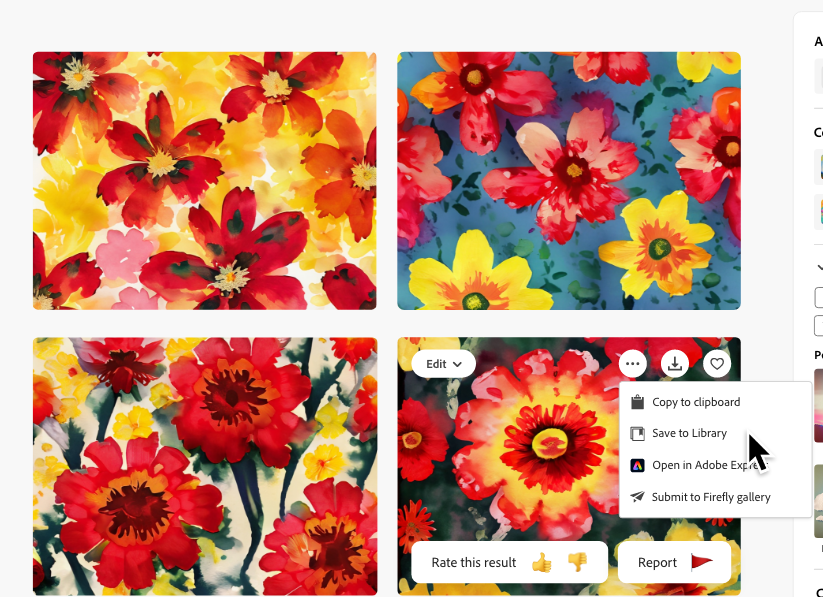
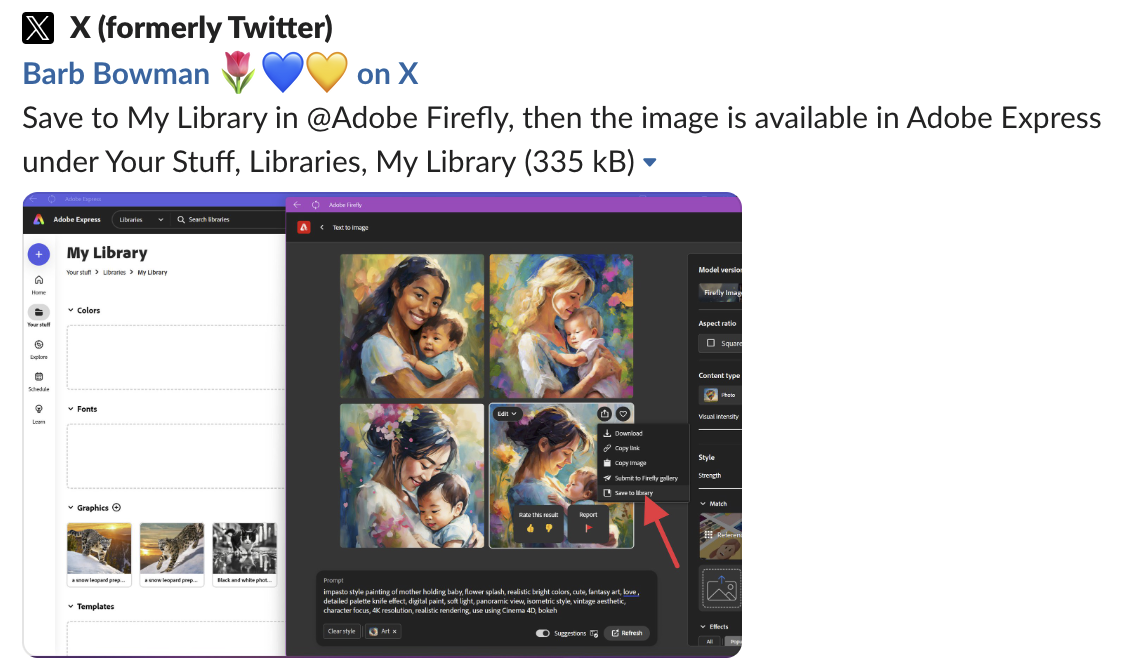
The integration surfaces at the moment a user decides they want an image. Hovering a generated result reveals the save action — the entry point into the library flow.
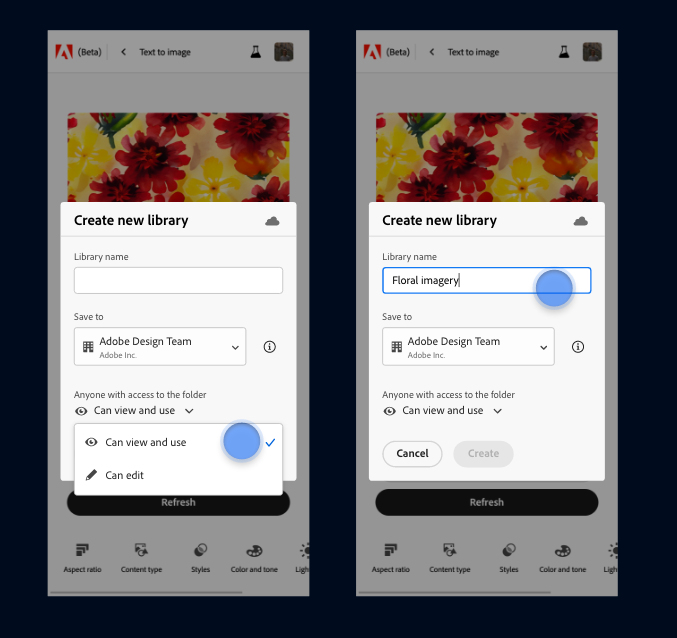
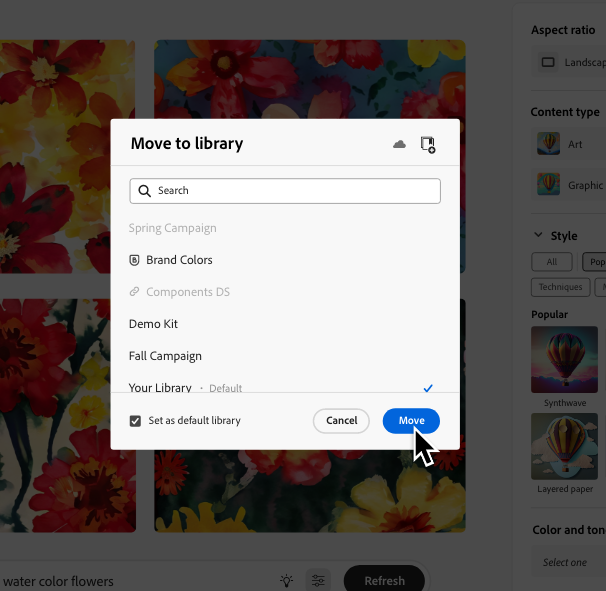
From there, a dialog lets users choose an existing library or create a new one — with the option to set a default so repeat saves require no decisions at all. The full picker shows the user's complete library ecosystem: personal, shared, and team libraries, each labeled with its visibility level so users can confidently choose where an asset lands.
Community adoption
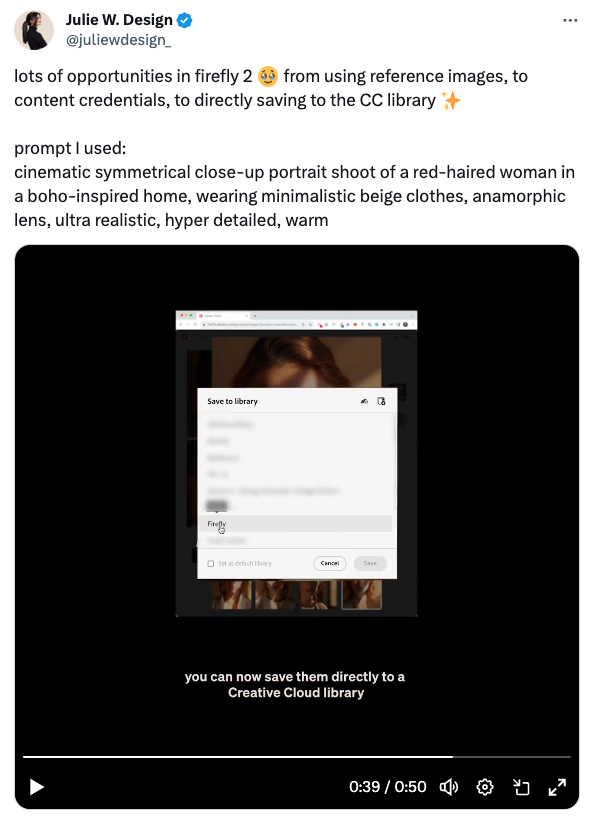
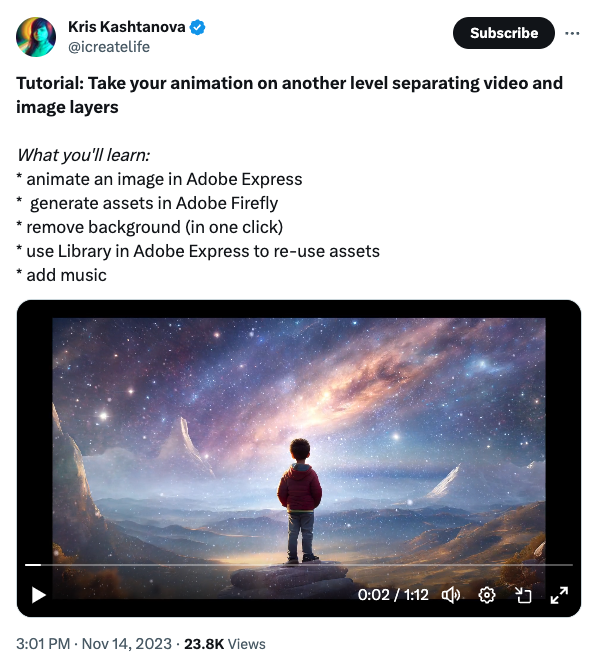
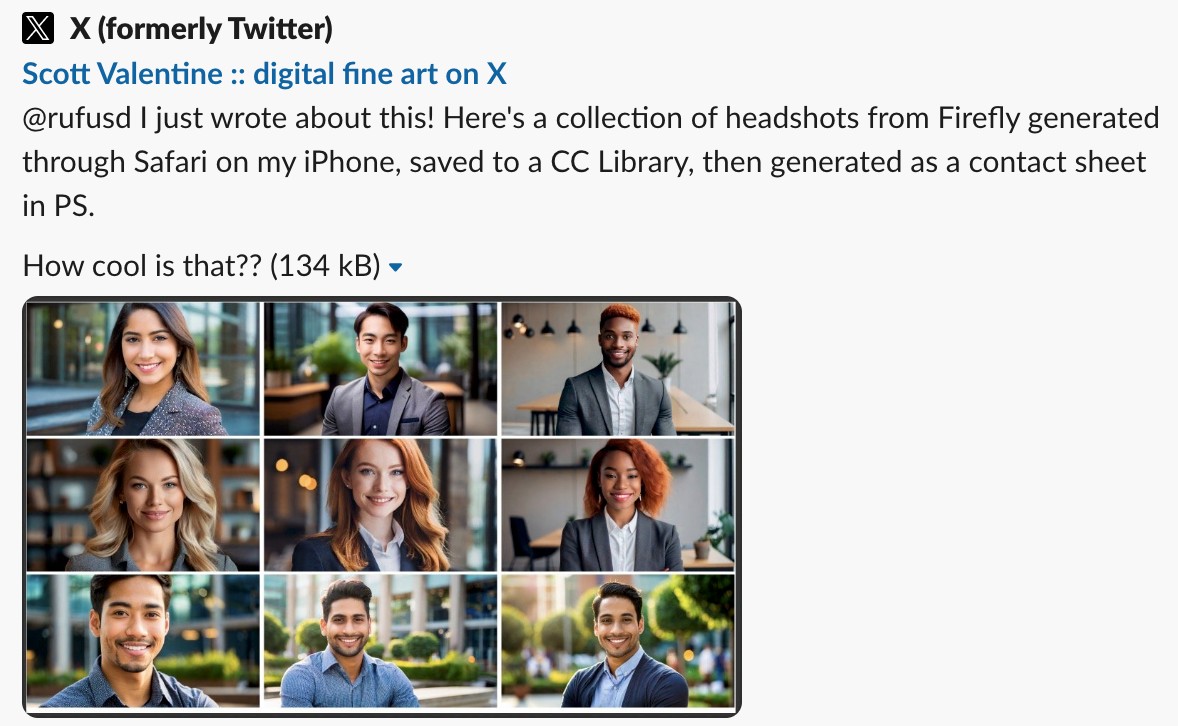
The feature was picked up organically within days of launch. Users shared workflows that would have been multi-step workarounds before — generating headshots in Firefly, saving to a CC Library, pulling them into Photoshop; generating backgrounds for animation in Firefly and compositing in Express. The assets were finally where the work happened.

Impact — first month (November 2023)
The downstream usage is the most important number. Users weren't just saving to save — the assets moved into real projects across the suite.
With 2 million users managing collections, the Libraries & Brands page on Adobe Home is where a lot of real work gets organized. But the experience hadn't kept up. Navigation triggered full-page refreshes, the listing view felt dated, and users had to dig into desktop apps to do things that should have been available on the web.
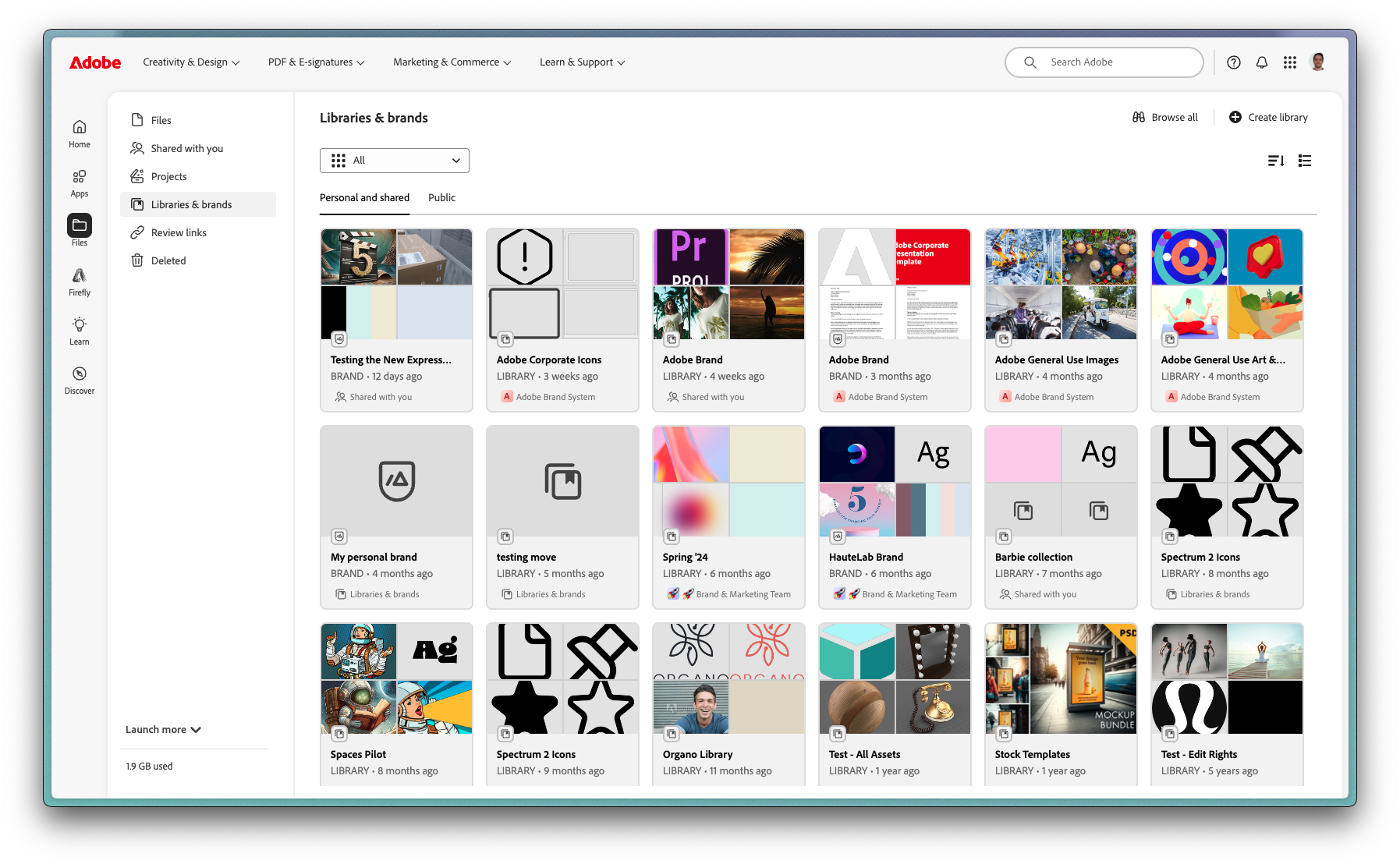
I redesigned the Libraries & Brands experience using the Spectrum Design System, modernizing the surface and giving users a fully capable management interface from the browser.
What changed
Seamless navigation. Full-page reloads between sections were replaced with fluid, in-page navigation. On a surface users visit frequently, that change is felt immediately.
Modernized listing view. The grid was rebuilt using Spectrum components, aligning the page visually and functionally with the broader Creative Cloud ecosystem. Users can now share libraries with collaborators, organize collections, edit library contents, and view optimized thumbnails — all without touching a desktop app.
What I Learned
The net new Library users from the Firefly integration stand out. These were people who had never created a CC Library before — Firefly gave them a reason to. A well-placed integration doesn't just serve existing workflows, it pulls users into parts of the product they'd never touched.
Adopting Spectrum isn't just a visual choice. Rebuilding on design system components meant accessibility, interaction patterns, and thumbnail behavior came solved rather than re-designed from scratch. The trade-off of flexibility for consistency is almost always worth it on a surface this widely used.